SDV Chat Vs Streamer
🌾 Chat vs Streamer v0.5.0
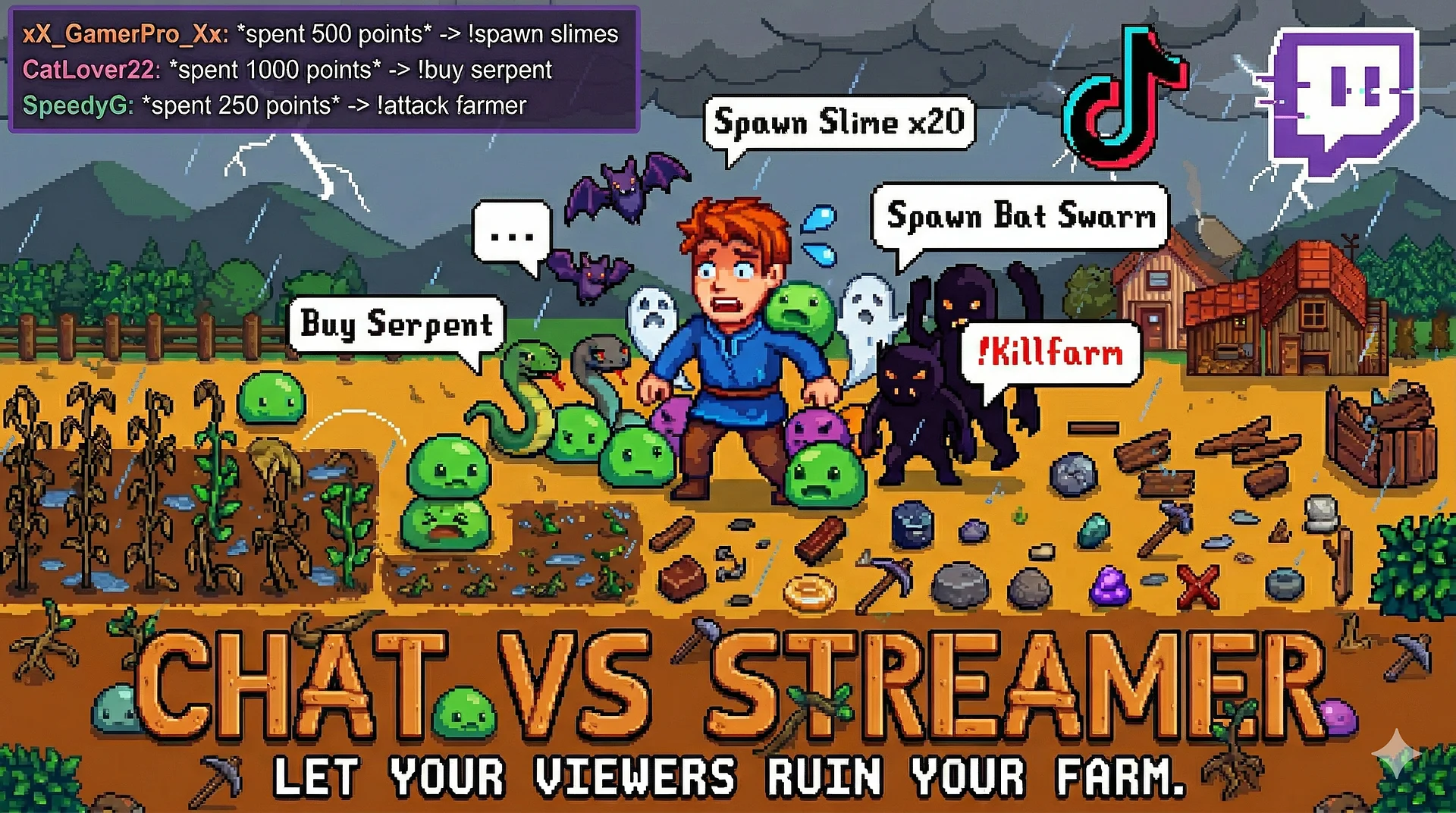
Turn your Stardew Valley streams into an interactive playground! Chat vs Streamer is a SMAPI mod where your community earns chaos points just by watching—and spends them to sabotage or bless your farm in real time.
Built live on stream by NeighborhoodofMusic 🎸.
🚀 Installation
-
Easy Install: Download the installer and run
RunMe.bat. It detects Stardew Valley, installs SMAPI if needed, grabs the latest mod from GitHub, and walks you through Twitch setup (with optional TikTok/YouTube). Tokens refresh automatically—no manual updates needed! -
Manual Install: Download the
.zipfrom Releases.
✨ Key Features
-
Twitch Integration: Viewers earn points by chatting, watching, subscribing, gifting subs, cheering bits, and raiding. Use chat commands like
!balance,!shop,!buy, and!info. -
🚨 Raids: Raids roll a random Chaos, Blessing, or Meta event scaled by raid size. Bigger raids skew toward amazing perks like temporary double points, halved shop prices, or bonus points for raiders.
-
💸 DonorDrive / Extra Life: Connect a DonorDrive-powered donation page! Every donation earns points and triggers a random sabotage or blessing scaled to donation size.
-
🌩️ Chaos Gods: If chat goes quiet for too long, the Chaos Gods step in to fire a random sabotage automatically. Timers and pools are fully configurable via GMCM.
-
📹 Auto-Clipping: Automatically creates a Twitch clip whenever a sabotage fires (fully configurable per tier with cooldowns).
-
🖥️ OBS Overlays: Includes a shop sidebar, shop board, chat overlay, alert popups for every trigger (with a vertical/mobile version), and a full debug panel at
http://localhost:7373/debugto test every sabotage with one click. -
🎬 Platform Support: Shared points pool with Twitch for experimental YouTube Live chat (via Streamer.bot). TikTok is also included via Tikfinity (unmaintained, use at your own risk).
💥 Sabotages (100+ Total)
-
Nuisance: Weather chaos, trash day, energy drain, monster spawns, and hotbar shuffles.
-
Disruptive: Gold steals, the taxman, frozen time, teleporting to NPCs, warp whistles, animal/pet renaming, and poltergeists.
-
Painful: Bombs, blindfolds, inverted controls, disabled inventory/hotbar/running/shopping/talking, narcolepsy, sticky hands, and debt collectors.
-
Devastating: Kill farm, monster infestations, floor is lava (farm only—paths are safe), inflation, and warp whistle MAX tiers.
-
Nuclear (5,000 pts): Bankruptcy. The Ferngill Revenue Service has been notified.
⚔️ Tool & Weapon Chaos & Blessings
-
Tool & Weapon Chaos: Upgrade or downgrade any tool mid-session. Includes 5 weapon tiers scaling all the way up to the Infinity Blade and Meowmere.
-
Blessings: Restore health/energy, water crops, fertilize, clear debris, drop gold (500g / 5,000g / 50,000g), spawn an auto-petter, drop care packages or airdrop jackpot chests, cast lucky chants, trigger sugar rushes, and more!
👥 Multiplayer & Compatibility
-
Multiplayer: Solo streaming only. Host only if attempting co-op farmhands should not install this mod. (Proper multiplayer support is on the roadmap!)
-
Requirements: Stardew Valley 1.6+ · SMAPI 4.0+ · Web Browser (for authentication)
-
Optional: Generic Mod Config Menu (GMCM)
📝 Links & Info
-
Changelog: PATCH_NOTES.md
-
License: MIT License
-
Watch Live: twitch.tv/neighborhoodofmusic
What's included
What's in the zip:
- RunMe.bat — double-click to launch the installer
- Install.ps1 — the installer script (runs automatically via RunMe.bat)
What gets installed:
- Chat vs Streamer SMAPI mod (latest version from GitHub)
- SMAPI — if not already installed
- Generic Mod Config Menu — optional, prompted during install
- Tikfinity — optional, prompted during install
The installer does not collect any data. Your Twitch credentials are saved locally on your machine only and are never transmitted anywhere except directly to Twitch's own servers.
Source code available at github.com/musicman0917/SDVChatVsStreamer